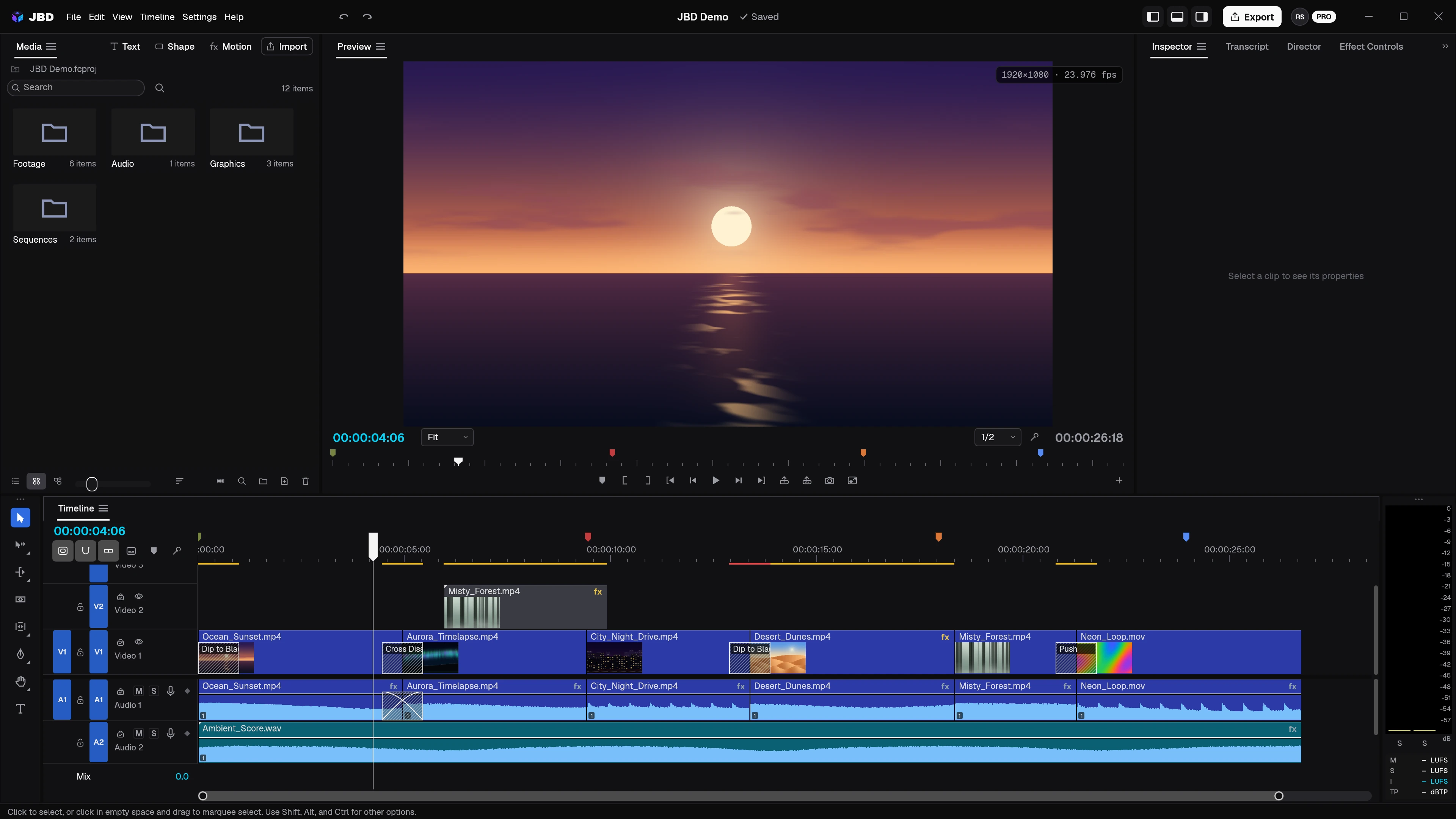
New updates and improvements to JBD, newest first.
1.1.1Latest
JBD Pro and your AI usage
JBD ProAI DirectorUsage
The AI Director is part of JBD Pro, with 1,000 AI credits every month for thinking, video and voiceover.
Pay-as-you-go: keep using the Director past your monthly credits at ₹1.50 per extra credit ($0.02 outside India), charged once a month by UPI AutoPay or card, with a monthly spending limit you set.
Settings ▸ Usage shows what the Director used over 7, 30 or 90 days: a card per kind of use, and credits or tokens per day as a chart or a table.
One plan: JBD Pro for a year, ₹4,999 in India and $49.99 elsewhere.
Edit by describing what you want. The Director plans the edit, works step by step on your timeline, and checks the result before it reports back. Every change can be undone.
Generate video and voiceover with your choice of model: shots with sound, narration on its own track, and regenerations or variations of any generated clip.
It sees your edit. The Director reviews rendered frames to check framing, titles and logos, and places a logo on a moving object so it follows it.
Give it context from the timeline: right-click a clip and choose Add to Director, or attach pictures and files to a message.
Features
Ask, Auto edits and Plan modes, with a chat history in Director view
Titles measured with the real font and kept inside the frame
Solid logo backgrounds removed automatically
Clips still being generated when JBD closes can be fetched later
Right-click a track header to add or delete tracks
The mouse wheel scrolls tracks; Shift+wheel scrolls through time; Ctrl+wheel zooms
Refined Dark and Light themes
Help menu: What's New, Check for Updates and Report a Problem
Fixes
Alt+click selects one side of a linked clip
Long prompts no longer push the Director's input off screen
The Director's undo step never includes edits made while it works